Does your wifi not reach every room in your home? You can solve this with Telenet 360° Wifi and wifi pods . The pods automatically distribute, regulate and amplify all wifi signals to the devices that need it. Do you already have Telenet 360° Pods at home? Discover how to install and activate them.
An optimal placement of your wifi pods ensures the best range. You can also solve problems this way. We are happy to give you some tips.
Central

Place the wifi pods centrally in your home for the best range. So choose interior walls rather than exterior walls!
Not too far

Make sure the distance between the wifi pods is not too big , so that they can communicate well with each other. So leave a maximum of 2 to 3 rooms between the wifi pods.
Not hidden

Your wifi pods are meant to be seen. So don't place them behind a sofa, cupboard or other object, because that will weaken the wifi signal.
Wifi range outside?
You have 2 options for internet to the back of the garden or in another remote place of your house. Extend your wifi range via:
Extra WiFi pods
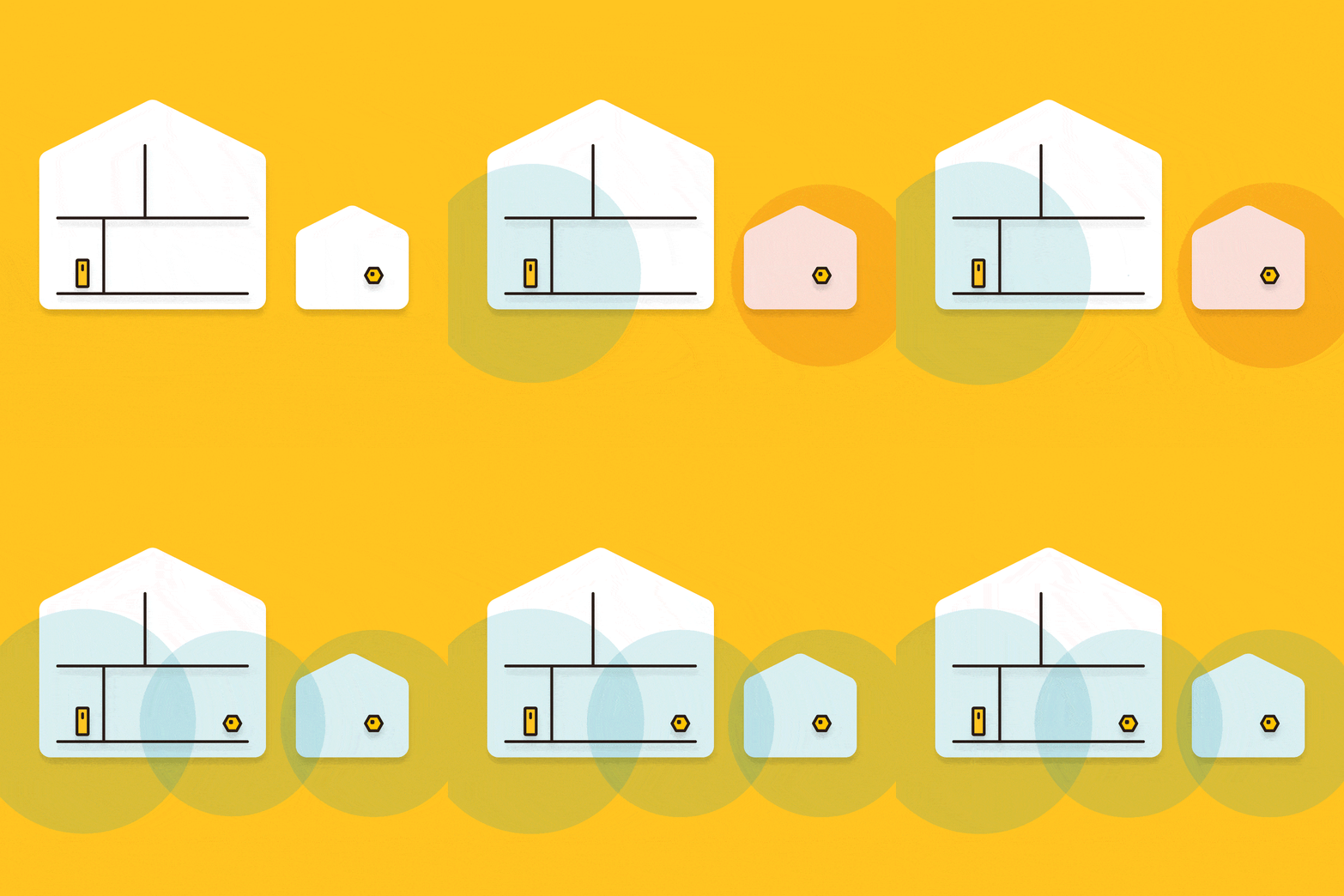
Expand your network with extra wifi pods . Test it out to see if this is the right solution for you. Doesn't work? Then send the wifi pods back.
Via UTP cable
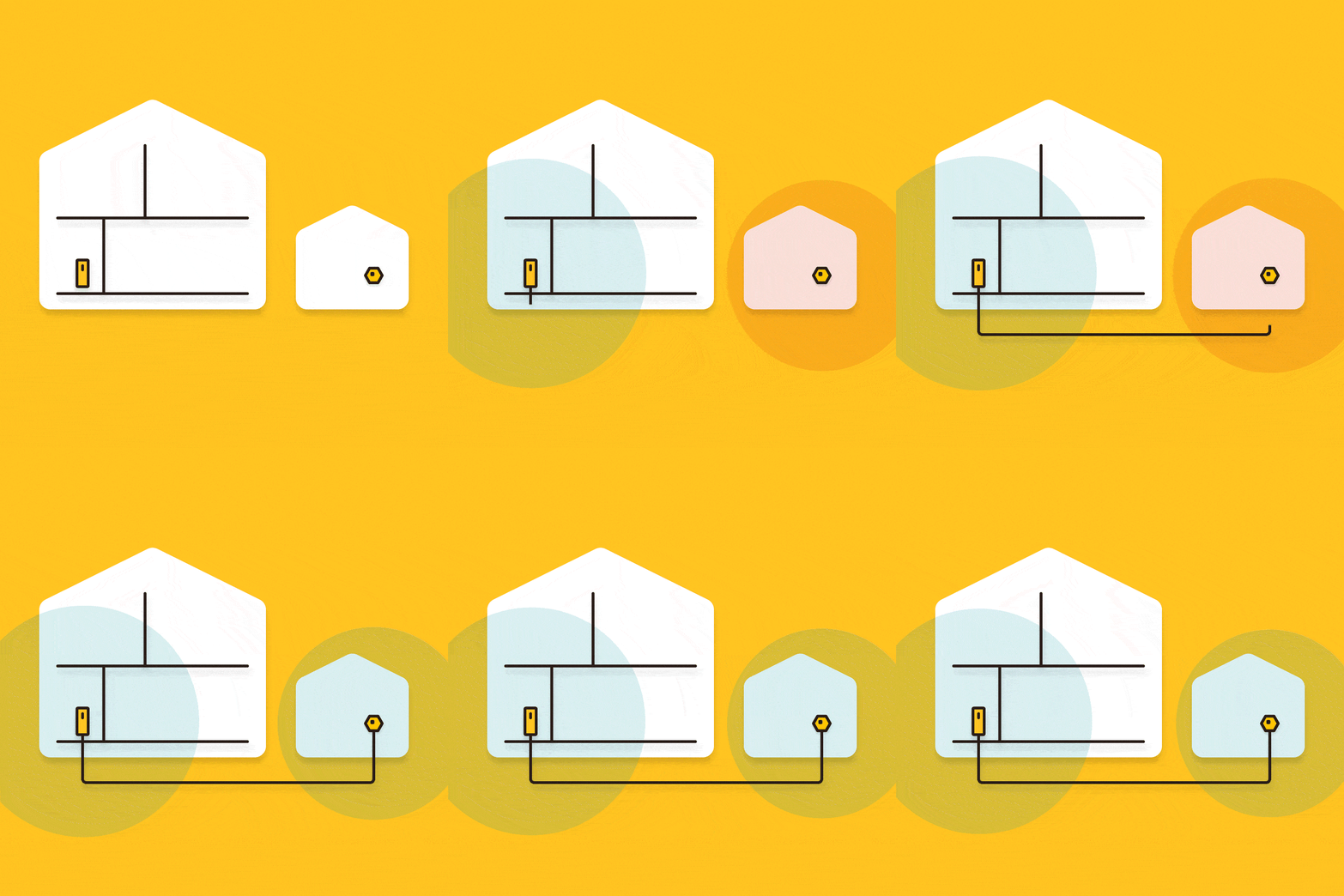
Is there a UTP cable to where you want to extend your network? Then connect the wifi pod to that UTP cable. Done!
Comments
0 comments
Please sign in to leave a comment.